
Mac
macOS 13 Ventura or later · Apple silicon and Intel
Signed and notarized by Apple.
Download for Mac Thunder
Download
Thunder
Download
The shortcut for all your files
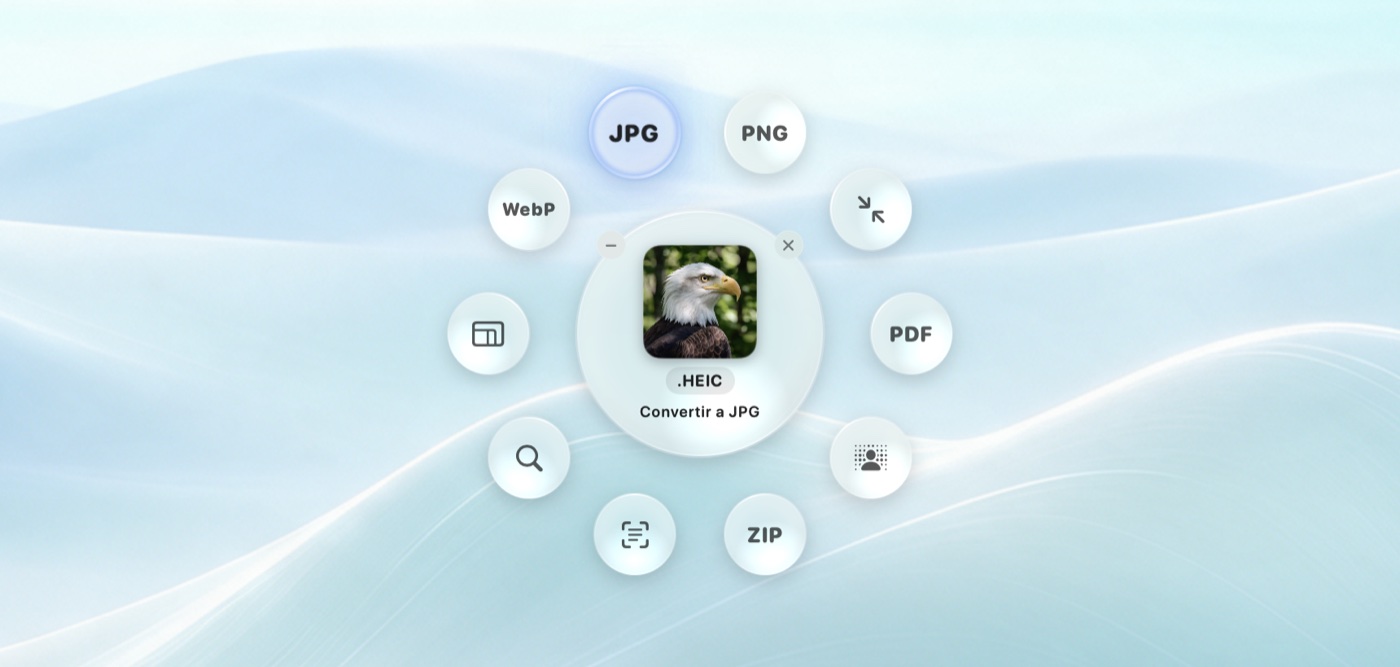
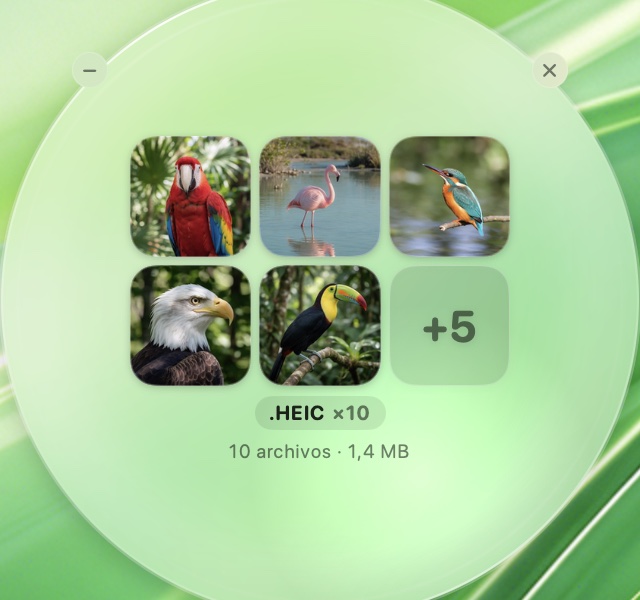
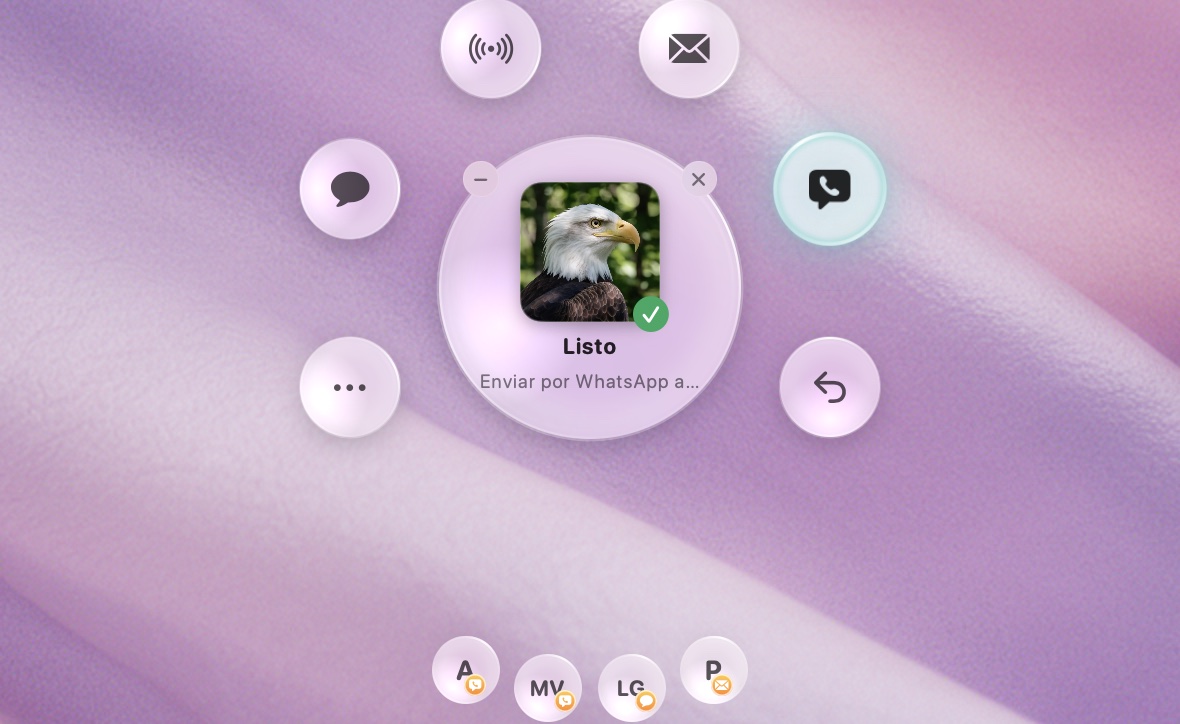
Drag any file onto the wheel: convert · remove background · shrink · send.
One click, nothing to open.
Drag a file onto the wheel
This is the real wheel. Try it with one of your own images too: it's converted right here and never leaves your browser.


Your files never leave your Mac.
Everything happens on your computer. No accounts, no cloud, no ads.
Thunder has no locked features, no ads and no subscription. If you find it useful, support its development with whatever you like.
Using it at your company? Thunder Business →
Yes. Every feature is free. Contributions are optional and help us keep improving it.
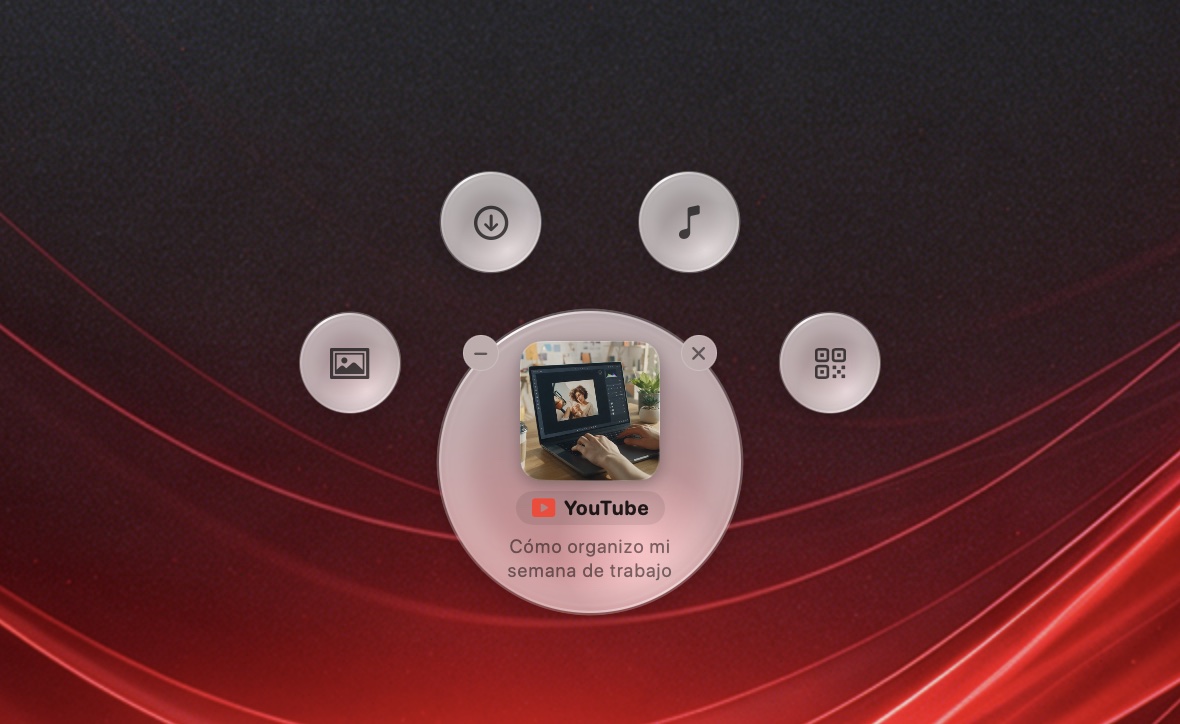
No. The first time you work with video or links, Thunder downloads what it needs and checks that it's the official version.
Yes, on macOS 13 Ventura or later, on Macs with Apple silicon or Intel. It's signed and notarized by Apple. On macOS 13, removing backgrounds asks you to add a shortcut to the Shortcuts app once.
Only from sites that allow it, and only content you have the right to keep: your own, openly licensed, or with the creator's permission.
Yes. It's free for individuals and freelancers. If you use it at a company, there are licenses with invoices, support and deployment to all your computers. See Thunder Business
macOS 13 Ventura or later · Apple silicon and Intel
Signed and notarized by Apple.
Download for MacWindows 10 and 11 · 64-bit
In development. We'll let you know as soon as it's ready.
Notify meDesktop Linux
Version planned. Supported distributions and desktop environments are yet to be confirmed.
Notify me